
Customers expect quick, accurate, and consistent responses, no matter which channel they use to reach a business. A call, an email, or a chat message should feel like part of one connected conversation. This is why companies are paying closer attention to contact center software features that help teams deliver seamless service across platforms.
The best systems bring every customer interaction together under one tool, helping agents save time and respond effectively. As more businesses upgrade their communication systems, understanding what defines the best contact center software can make the difference between a scattered workflow and a smooth, connected customer experience.
Understanding Omnichannel Contact Center Software
Omnichannel contact center platforms connect all communication channels into a single system. They help agents view and manage every conversation in one place, reducing confusion and response delays. When supported by strong contact center software features, companies can ensure customers get consistent answers whether they reach out through social media, phone, or email.
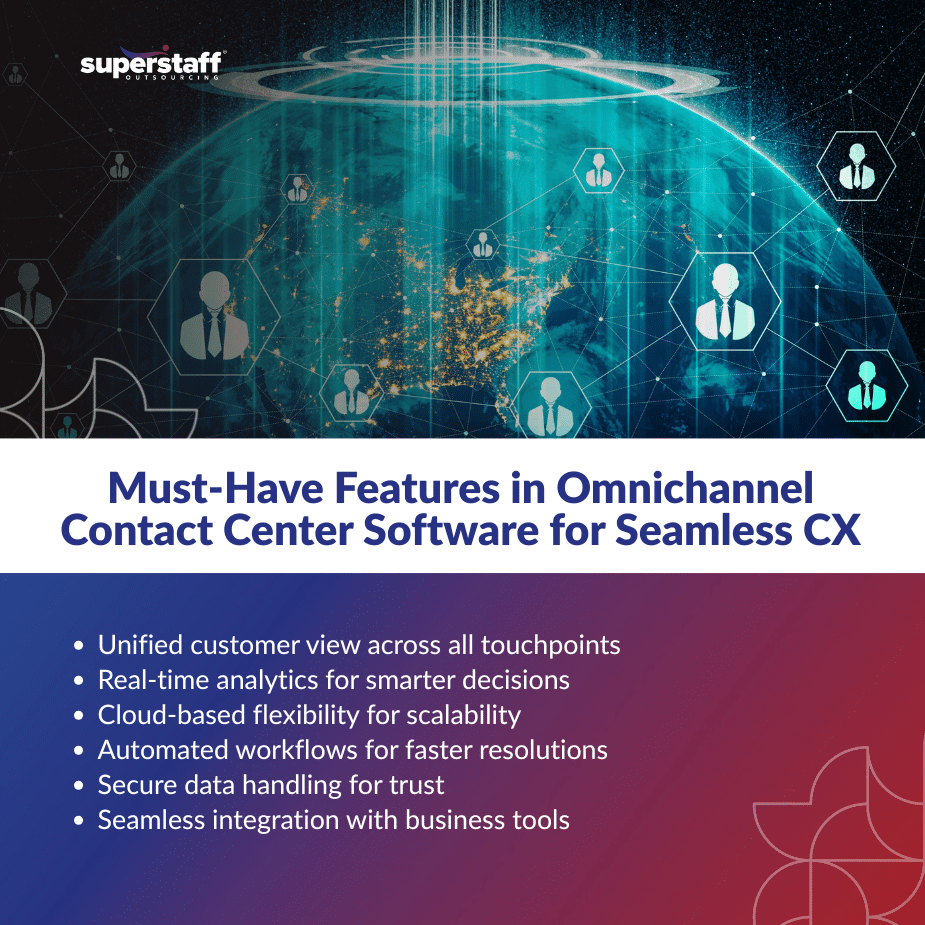
1. Unified Dashboard and Centralized Access
A unified dashboard gives agents and supervisors a complete view of all customer interactions. With this feature, teams can track messages, monitor performance, and switch between channels without losing context.
2. Real-Time Data and Analytics
Real-time tracking helps managers identify trends and adjust strategies. Data visibility across all channels helps improve response times, measure productivity, and enhance customer satisfaction.
3. Integration with Customer Relationship Tools
Effective contact center software features include easy integration with CRMs and other business applications. This ensures agents can access customer details instantly, improving personalization and problem resolution.
4. Consistent Customer Interaction History
Customers appreciate it when agents remember past conversations. Systems that store and organize past interactions allow agents to understand customer needs better and provide faster support.
5. Cloud-Based Flexibility
Cloud technology makes it easier for businesses to manage remote teams and scale operations. It also supports faster software updates, system reliability, and easier collaboration.
Key Contact Center Software Features That Enhance CX
Strong features ensure customers have a smooth journey across multiple touchpoints. Here are five that define how contact center software improves omnichannel CX.
1. Seamless Channel Integration
An omnichannel setup allows calls, emails, chats, and social media messages to flow into one platform. This ensures customers don’t need to repeat information, and agents can continue conversations smoothly.
2. Intelligent Call and Message Routing
Automated routing directs customers to the right agent or department based on their inquiry. This reduces wait times and increases first-contact resolution rates.
3. Workforce Management Tools
Scheduling, performance tracking, and workload balancing tools help supervisors maintain efficiency. These contact center software features also support better planning during peak service hours.
4. Quality Monitoring and Feedback
Recording, transcription, and feedback features help managers review calls and identify areas for improvement. Quality monitoring ensures customer expectations are consistently met.
5. Built-In Reporting Dashboards
Reports summarize call volume, agent performance, and customer sentiment. They help decision-makers identify service trends and allocate resources effectively.
Advanced Tools for Better Team and Customer Alignment
Beyond the basics, advanced contact center software features help bridge communication gaps and improve teamwork across departments.
1. AI-Powered Chatbots and Virtual Assistants
These automate simple tasks and allow agents to focus on complex issues. Automated replies maintain quick responses during high call volumes.
2. Sentiment Analysis
Analyzing tone and keywords helps supervisors understand customer emotions. This feature supports better coaching and service improvement.
3. Omnichannel Ticketing
Centralized ticket systems make it easy to assign, track, and resolve customer issues from multiple channels in one queue.
4. Collaboration Tools
Internal messaging and shared notes keep teams informed and aligned. This ensures smooth communication within departments. Teams evaluating their options can compare a range of customer support tools to find the right mix of ticketing, collaboration, and automation features.
5. Customizable Workflows
Flexible workflows help companies adjust processes as needs evolve. It also supports faster onboarding of new agents.
Benefits of Using the Best Contact Center Software
Adopting modern platforms gives companies a clear advantage in efficiency and customer satisfaction.
- Improved CX: Unified communication leads to faster, more consistent support.
- Higher Productivity: Agents manage more interactions in less time.
- Better Insights: Data-driven reporting helps businesses track success.
- Cost Savings: Centralized systems reduce expenses on multiple tools.
- Scalability: Cloud-based options make it easy to grow without major disruptions.
These contact center software features ensure companies deliver high-quality support across all customer touchpoints.
Challenges to Consider Before Implementation
While omnichannel systems bring many benefits, successful use requires careful planning.
1. Integration Complexity
Businesses may face challenges connecting new systems with existing tools. Testing and phased rollouts help reduce errors.
2. Training and Adaptation
Agents need training to handle multiple channels effectively. Ongoing skill development ensures consistent service.
3. Cost and Vendor Selection
Choosing the best contact center software requires balancing features with budget. Comparing platforms helps identify which fits the company’s needs.
4. Data Security
Strong encryption, user authentication, and compliance standards protect customer information. Businesses must ensure these features are included.
5. Change Management
Teams may resist new systems at first. Transparent communication and leadership support encourage smoother adoption.
The Future of Omnichannel CX
The growing shift to digital-first communication is changing how businesses view customer service. With advanced contact center software features, companies can deliver faster and more accurate responses while maintaining a personal touch.
Trends show more organizations investing in customer support software that combines voice, chat, and social interactions in one hub. As expectations rise, software flexibility and automation will continue to define the next generation of customer service systems.
Building Seamless Customer Connections Through Smarter Solutions
Strong contact center software features can transform customer interactions into consistent, high-quality experiences. Companies looking to scale operations and strengthen service delivery can rely on modern omnichannel systems to improve workflow and performance.
SuperStaff helps businesses evaluate the right customer support software and implement strategies that align technology with customer expectations. With guidance on setup, integration, and team support, SuperStaff ensures each client achieves smoother communication and stronger customer relationships.
By focusing on how contact center software improves omnichannel CX, SuperStaff enables companies to serve customers faster, smarter, and with greater consistency across every channel.
Discover how the right contact center tools can help your business build lasting customer connections.