
Cloud-based service management is becoming a preferred approach for many organizations. As operations expand, teams need systems that support fast coordination, accurate updates, and easy access to information. Traditional setups often slow processes because they rely on manual updates, limited access points, and disconnected tools. These issues lead many businesses to explore cloud-based service management to ensure consistency, visibility, and simpler service delivery.
With structured workflows, organized data handling, and real-time access to tools, cloud-based service management helps teams improve performance across different locations. It also supports clearer communication and more predictable outcomes. This article explains the shift toward these models and how they strengthen daily operations.
Why Cloud-Based Service Management Matters
Cloud-based service management helps businesses organize processes and connect teams more effectively. It brings tools, data, and updates into one accessible system, which improves service handling and workload visibility.
1. Centralized Workflow Tools
Teams use one connected platform, which reduces scattered files and outdated information. This also simplifies process monitoring.
2. Real-Time Updates for Better Accuracy
Cloud systems show changes instantly. As a result, teams respond faster and avoid confusion from outdated records.
3. Easy Access Across Devices
Employees can check requests, update tasks, or review reports wherever they work. This supports both in-office and remote teams.
4. Smoother Communication Across Teams
A unified platform keeps information consistent. This lowers the chances of missed messages and improves coordination.
5. Improved Visibility for Managers
Supervisors can observe team activity, check workloads, and adjust assignments. This leads to more organized operations.
Key Advantages of Cloud-Based Service Management
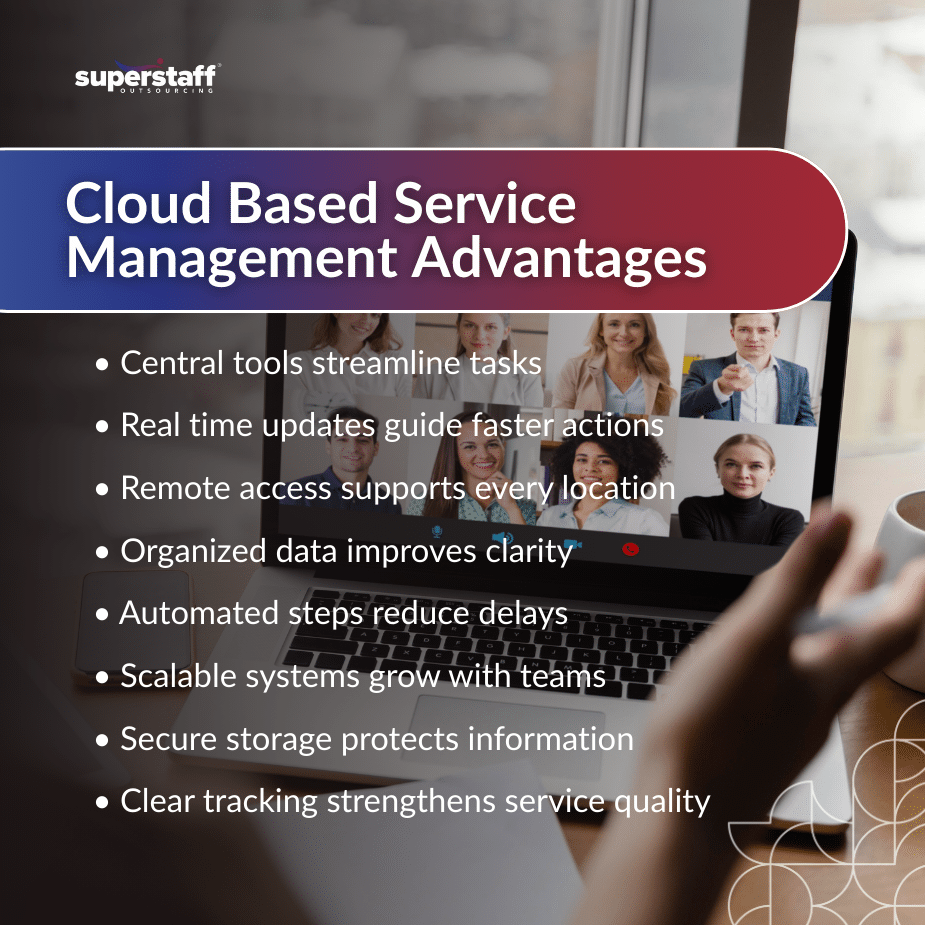
Cloud-based service management offers many practical benefits that help companies maintain reliable service performance. These features also explain why companies adopt cloud service management across different industries.
1. Centralized Data Storage
Cloud tools keep documents and records in one location. This supports organized data handling and faster retrieval.
2. Real-Time System Updates
Everyone works with the same updated information. This reduces manual syncing and prevents errors.
3. Scalable Workflows
Businesses can expand features or adjust workflows as their operations grow. This flexibility supports long-term planning.
4. Remote Accessibility for Teams
Employees can complete tasks from different locations. This helps multi-location businesses stay aligned.
5. Reduced System Maintenance
Cloud service management solutions include automatic updates. This lowers the need for local installations or technical upkeep.
6. Improved Documentation and Tracking
Requests, logs, and internal notes remain organized. This also supports better reporting and review.
7. Secure Data Management
Cloud IT service management offers controlled access and protection protocols. This helps safeguard sensitive information.
8. Consistent Performance Across Locations
Teams follow the same workflows, which leads to predictable outcomes.
9. Controlled Operating Costs
Cloud systems remove the need for heavy hardware investments and ongoing maintenance.
Evaluating a Cloud-Based Model for Your Business
Before shifting to cloud-based service management, organizations need to review their work processes, data handling needs, and system requirements.
1. Identify Workflow Challenges
Examine slow response times, missing updates, or disorganized requests. These issues show where cloud tools can help.
2. Check System Compatibility
Review whether the cloud platform connects with current tools. Smooth integration helps avoid interruptions.
3. Assess Data and Documentation Needs
Determine how much information your team manages daily. Cloud systems help organize and store this data in a structured way.
4. Review Security and Compliance Requirements
Consider the level of protection your data requires. Cloud models offer safeguards that support secure operations.
5. Check Reporting and Visibility Features
Reporting tools help teams plan better by making performance data easy to access.
6. Evaluate User Access and Support Requirements
Choose a system with clear access controls and helpful support features so teams can use it comfortably.
How Cloud Models Influence Daily Operations
Cloud-based service management supports smoother, more efficient daily workflows. It strengthens coordination and helps teams handle tasks with fewer delays.
1. Reduced Manual Work
Teams rely on automated workflows instead of manual tracking.
2. Faster Response Times
Real-time updates help employees act quickly on new requests.
3. Structured Task Handling
Workflows guide teams through each step, which supports accuracy.
4. Better Coordination Across Teams
Departments work with the same data, reducing miscommunication.
5. Consistent Service Delivery
Structured processes help maintain predictable results across all service channels.
Practical Use Cases of Cloud-Based Service Management
Cloud-based service management supports a wide range of daily tasks by keeping information accessible and organized.
1. Tracking Service Requests
Teams can open, update, and close requests in one system.
2. Managing Multi-Location Teams
All branches share the same system, which improves consistency.
3. Coordinating Field Work
Remote staff can update progress from any device.
4. Maintaining Documentation
Files stay organized and updated across teams.
5. Monitoring Activity Logs
Managers can review progress and workload history.
6. Handling Customer or User Inquiries
Requests stay organized and easy to track.
7. Automating Workflow Steps
Routine tasks follow preset rules that support efficiency.
How Cloud-Based Models Support Internal Teams
Cloud-based service management strengthens teamwork and simplifies communication across departments.
1. Reduced Manual Data Entry
Forms and records update automatically within the system.
2. Clear Activity Monitoring
Supervisors can track performance and spot workflow delays.
3. Better Communication
Teams share information more smoothly through organized workflows.
Choosing the Right Cloud-Based Service Management Solution
Selecting the right system helps your organization maintain effective, accurate, and organized service operations.
1. Proven Reliability
Look for platforms with consistent system uptime.
2. Organized Workflow Features
Ensure the system matches your service needs.
3. Scalable System Options
Choose tools that can grow with your operations.
4. Secure Data Handling
Review security features that safeguard sensitive information.
5. Accessible User Controls
Make sure teams can use and navigate features easily.
6. Clear Reporting Tools
Reporting dashboards support planning and performance reviews.
7. Consistent Technical Support
Reliable support helps keep operations running smoothly.
Let SuperStaff Strengthen Your Service Management Processes
Cloud-based service management supports accuracy, organized workflows, and better coordination across teams. As more organizations discover the benefits of cloud-based service management models, they continue to adopt systems that improve visibility and consistent performance. SuperStaff provides trained professionals who use structured cloud tools to help businesses stay organized and responsive.
We deliver secure processes, steady support, and dependable results through cloud-based service management solutions. Reach out to us today to learn how SuperStaff can support your service management needs.