
Customers across Colombia expect businesses to answer their questions quickly. Whether they send a message through a website, email, social media, or live chat, they want clear answers without long wait times. For companies handling hundreds of inquiries each day, meeting these expectations can be difficult with manual processes alone.
This is one reason more organizations are choosing to automate customer support. Automation tools can answer common questions, route requests, send updates, and help support teams manage conversations across different channels. These features allow businesses to respond faster without requiring employees to handle every routine task.
Companies in retail, healthcare, finance, telecommunications, and e-commerce are finding ways to use these tools in their daily operations. However, automation does not mean removing human support. The goal is to let technology handle simple tasks while trained employees focus on concerns that need attention, judgment, and personal assistance.
Why Customer Support Automation Is Growing in Colombia
Colombian businesses are investing in digital tools to improve their services and keep up with changing customer needs. The country’s National Digital Strategy 2023–2026 also reflects the government’s focus on digital transformation and the wider use of technology across the country.
Several business needs are driving the move toward automated customer service.
1. Customers Want Faster Answers
Most customers do not want to wait hours for a simple answer. They may only need to check an order, confirm business hours, or ask about a payment. When these questions go unanswered, customers may become frustrated or look for another provider.
Automated tools can respond to common questions right away. This gives customers access to basic information without waiting for an available agent.
2. Customer Inquiries Are Increasing
As businesses gain more customers, the number of support requests often grows with them. A small team may be able to manage inquiries at first, but higher volumes can lead to missed messages and longer response times.
Automation helps teams manage repetitive requests and organize incoming conversations. This gives employees more time to handle cases that need closer attention.
3. Customers Use Different Communication Channels
Customers may contact a business through Facebook, Instagram, email, phone, or live chat. If each channel has a separate process, support agents may struggle to keep track of conversations.
Support platforms can bring these channels together and help teams manage requests from one place. This makes it easier to follow customer concerns and avoid asking people to repeat the same information.
4. Businesses Need Consistent Responses
Customers expect to receive the same accurate information regardless of which employee handles their inquiry. However, different agents may explain policies or processes in different ways.
Automated replies and approved response templates help keep basic information consistent. Businesses can use them for common questions about returns, payments, account access, and service availability.
5. Companies Want to Manage Support Costs
Hiring, training, and retaining customer service employees requires time and money. As inquiry volumes grow, businesses may need additional staff to maintain service levels.
Automation can reduce the amount of manual work involved in routine requests. This helps companies use their existing resources more effectively, although human agents remain necessary for many customer concerns.
Key Benefits of Automating Customer Support
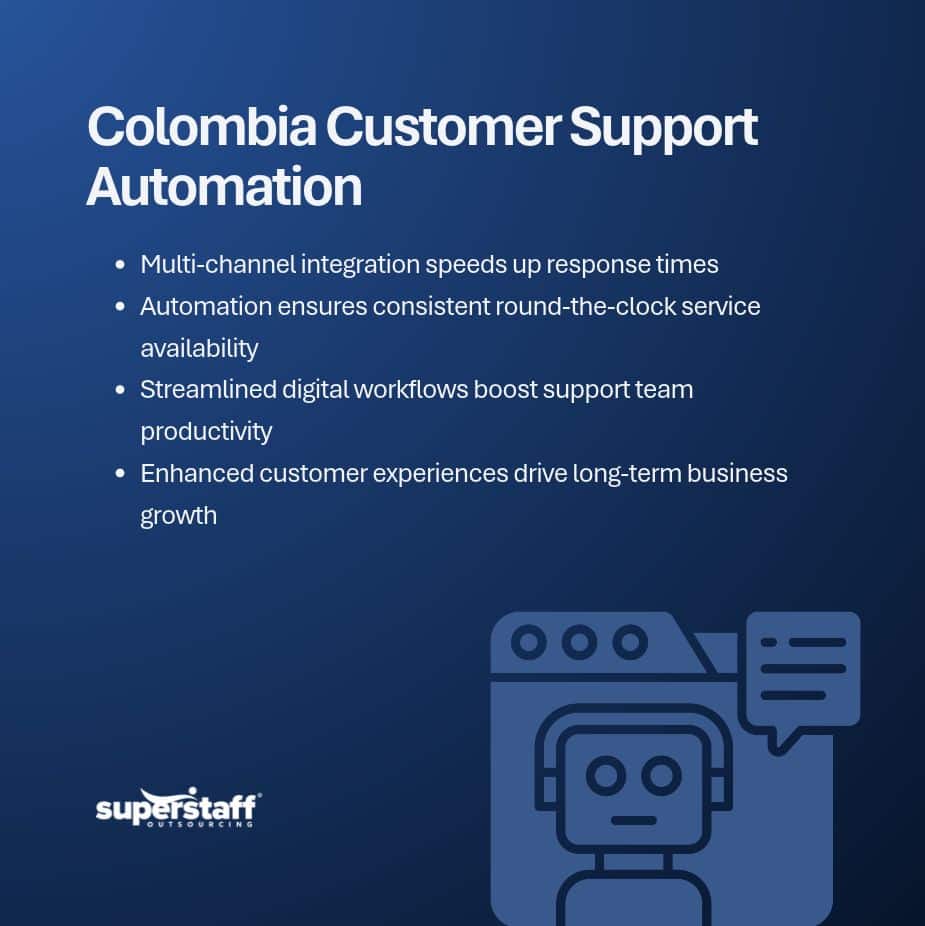
Automation can improve several parts of the customer service process. When businesses choose the right tools and set clear guidelines, they can make support faster and easier to manage.
1. Shorter Waiting Times
Automated systems can answer common questions immediately. Customers can receive information about order status, payment options, product details, or account access without waiting for an agent.
This is especially useful during busy periods when support teams receive more requests than usual. Faster initial responses also help customers understand what to expect next.
2. More Time for Support Agents
Customer service employees often spend much of their day answering the same questions. While these tasks are necessary, they leave less time for complicated concerns.
Automation can handle basic requests before they reach an agent. Employees can then focus on complaints, billing problems, technical concerns, and other cases that require careful attention.
3. Better Customer Experiences
Customers value clear answers and simple ways to get help. When businesses make it easier to find information and contact the right team, customers are more likely to have a positive experience.
Automation also helps businesses provide updates and follow-ups at the right time. These small improvements can make communication more reliable.
4. Support Outside Regular Business Hours
Not every customer sends a message during office hours. Some may need help at night, on weekends, or during holidays.
Automated tools can provide basic information at any time. They can also collect customer details and direct requests to the right team for follow-up when a live agent becomes available.
5. Useful Information for Better Decisions
Every customer interaction can provide information about what people need and where they experience problems. Support systems can organize inquiry records, identify common topics, and show patterns in customer requests.
Managers can use these details to improve service processes, update help articles, and address recurring issues. Over time, this information can help businesses make better decisions about their customer support operations.
Industries Using Customer Support Automation in Colombia
Automation can support different industries, but the tools and processes should match each business’s needs. Here are some examples of how companies can use it.
1. E-Commerce and Retail
Online stores receive questions about product availability, order status, shipping fees, returns, and refunds. Automated messages can provide order updates and answer basic questions about store policies.
This allows support agents to spend more time resolving delivery problems, payment concerns, and other requests that need personal assistance.
2. Banking and Financial Services
Banks and financial institutions handle inquiries about account access, transactions, payments, and general services. Automated systems can guide customers through basic steps and direct more complex concerns to the right department.
However, sensitive financial matters still need proper security checks and human review. Businesses must make sure their automated systems protect customer information.
3. Healthcare
Healthcare providers often receive questions about appointments, clinic hours, available services, and patient requirements. Automated reminders and appointment tools can help patients get basic information without making repeated calls.
Staff members can then focus on concerns that need direct assistance. Patient privacy and accurate information should remain priorities when introducing automation.
4. Telecommunications
Telecommunications companies receive frequent questions about service interruptions, billing, account details, and technical issues. Automated troubleshooting guides can help customers resolve simple problems.
When an issue needs further investigation, the system can send the request to a support representative with the relevant details.
5. Travel and Hospitality
Hotels, travel agencies, and other hospitality businesses handle booking questions, reservation changes, cancellations, and guest requests. Automated confirmations and reminders can make these processes easier to manage.
For special requests or unexpected travel problems, customers should still be able to reach a person who can review the situation and provide suitable assistance.
Which Customer Support Tasks Should Businesses Automate?
Not every customer service task needs automation. Companies should start with processes that are repeated often and follow clear steps.
Some good starting points include:
- Frequently asked questions: Provide answers about business hours, product details, payment methods, and basic policies.
- Order and booking updates: Send customers information about purchases, deliveries, appointments, and reservations.
- Ticket routing: Direct inquiries to the correct department based on their topic or urgency.
- Appointment reminders: Notify customers about upcoming appointments and scheduled services.
- Customer feedback requests: Send surveys after a purchase or support interaction.
- Basic account guidance: Help customers find information or complete simple account-related steps.
Businesses should review these processes before automating them. If a task involves sensitive information, unusual requests, or decisions that need careful judgment, it may be better handled by a trained employee.
Why Human Support Still Matters
Automation can make customer service faster, but it cannot handle every situation well. Some customers need help explaining a complicated problem. Others may be upset about a delayed order, an incorrect charge, or a service issue.
In these cases, a scripted response may not be enough. Customers need someone who can listen, understand the details, and work toward a solution.
A good support setup gives customers a clear way to reach a live representative. It also allows agents to review previous messages, including conversations handled by automated tools. This prevents customers from repeating their concerns each time they move between channels.
Businesses can also benefit from combining automated systems with trained support teams. This approach is discussed in SuperStaff’s article on how call center automation works best with human judgment.
What to Check Before Introducing Automation
Before investing in new tools, companies should understand their current support process. A system that works for one business may not be suitable for another.
Here are five points to review before getting started.
1. Review Your Most Common Inquiries
Look at the questions customers ask most often. These can help identify tasks that are suitable for automation and show where customers may need clearer information.
2. Choose Tools That Work With Your Existing Systems
Support tools should connect with the platforms your business already uses, such as customer relationship management software, order management systems, and ticketing platforms. Poor integration can create more work for employees instead of reducing it.
3. Set Clear Rules for Human Handoffs
Customers should know how to reach a live agent when an automated system cannot resolve their issue. Set clear rules for transferring complaints, urgent requests, and sensitive concerns.
4. Protect Customer Information
Customer support systems may process names, contact details, account information, and transaction records. Businesses should review access controls, data storage, and security measures before using automation.
5. Track Results and Make Changes
Monitor response times, resolution rates, customer satisfaction, and the number of inquiries transferred to human agents. These results can show whether automation is helping or creating new problems.
When Outsourcing Can Support Your Customer Service Operations
Some companies have the technology they need but lack enough people to manage customer conversations. Others need support teams that can cover several channels, handle different types of inquiries, or provide service across time zones.
Outsourcing can help fill these gaps. Businesses can work with trained customer service representatives who use existing tools and follow established procedures. Depending on their needs, they can also build teams that handle live chat, email, phone support, and social media inquiries.
SuperStaff provides customer service and omnichannel support to help businesses manage customer conversations across different channels. This can be useful for companies that want to combine technology with trained employees instead of relying on automation alone.
Build Better Customer Experiences With the Right Support
More companies in Colombia are choosing to automate customer support because they need faster responses, better workflows, and a more reliable way to manage customer inquiries. Automation can take care of routine tasks, but businesses still need trained employees to handle complex concerns and maintain good customer relationships.
The best approach is to use technology where it makes sense and keep human support available when customers need it. With the right tools, clear processes, and a capable team, businesses can improve service without making customer interactions feel impersonal.
SuperStaff helps businesses build customer support operations that fit their needs, from customer service representatives to back-office and multilingual support teams. Contact SuperStaff to discuss how the right support setup can help your business serve customers more effectively.